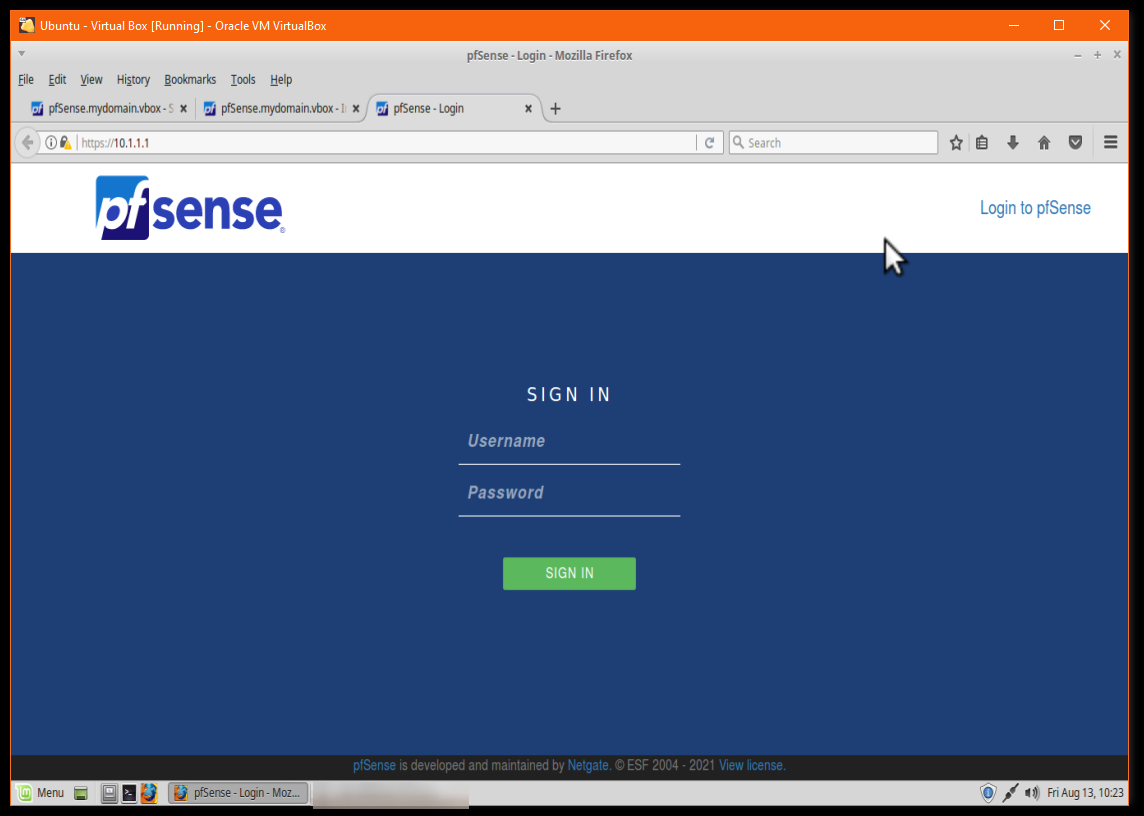
I’ve been experimenting with pfSense (firewall software you can use for DIY routers). Following this guide by Get Labs Done, I was able to install pfSense in a Virtualbox virtual machine in Windows 10 (with hypervisor disabled). If you do this, keep in mind this should be done purely for development/testing purposes and not to use as your network’s gateway.
Essentially, you install pfSense as a virtual machine with two network cards, the first being a bridge to your physical network, and the second being internal.
When booted pfSense will detect both cards, the “WAN” side (side facing the internet) will be your actual physical network (i.e., behind my home physical router, so something like 192.168.X.X), while the “Lan Side” will be a Vlan (in the example 10.1.1.1/24) where you can connect clients. You then install a second virtual machine and set that up as having a gateway as being the pfSense virtual router 10.1.1.1 on that network. You run both virtual machines simultaneously which can be a load on your host PC.
What stumped me was how to SSH into the box from my Windows host machine or even to access from the host the pfSense web interface. The Get Labs Done tutorial has you accessing pfSense VM through the browser on the second VM using the 10.1.1.1 network.
After opening up the SSH port through the command line on the pfSense box using “ufw allow 22”, ssh was still blocked. I then realized pfSense itself must be blocking it.
The secret to enabling SSH from your host to pfSense is to disable pfSense’s blocked private network firewall rule (I’m sure there are security reasons for this rule, but as mentioned above, do this only on a development setup not if you are actually using the pfSense install for a network gateway):
Avoiding Browser Plugins with KeePassXC KeePassXC is a popular free open source password manager. As…
If you've had a Gmail account for years, like I have, at some point you…
Here's a little trick I use to back up my Raspberry Pi without having to…
I try to keep my email inbox fairly clean but I do subscribe to some…
I was recently faced with the dreaded prospect of re-installing Windows 10. While the standard…
Pi-Hole and Upstream DNS Providers Pi-hole is an excellent whole-home, self-hosted ad blocker and DNS…